A chair can look impressive in a showroom and still be the wrong fit for your team by Friday afternoon. That is usually where businesses realise that how to choose ergonomic seating is less about style or price alone, and more about matching the chair to the people, tasks and hours it needs to support.
For office managers, HR teams and business owners, this decision has a direct impact on comfort, concentration and replacement costs. Good seating helps people stay supported through the workday. Poor seating leads to constant adjustments, complaints, and furniture that needs replacing sooner than expected.
Why ergonomic seating matters in a commercial workplace
Ergonomic seating is not simply a nicer office chair. It is seating designed to support the body in a practical working posture, while allowing movement throughout the day. In a commercial environment, that matters because people rarely sit the same way for eight hours straight. They lean forward for meetings, turn to speak with colleagues, and shift between focused computer work and short breaks.
A chair that cannot adapt to those movements often creates pressure points or awkward posture. Over time, that can contribute to discomfort in the lower back, shoulders, hips and neck. Even when the issue does not become a formal workplace complaint, it can still affect productivity and morale.
For employers, there is also a broader operational view. Seating should be durable, suitable for shared use where needed, and aligned with the type of workspace you are creating. A private office, a hot desk area, a meeting room and a reception space all call for different performance from their seating.
How to choose ergonomic seating for your team
The most reliable way to choose well is to start with the user, not the catalogue. A chair might be highly adjustable, but if it is too complex for staff to use properly, those features add little value. On the other hand, a simpler chair can work very well if it suits the task and the people using it.
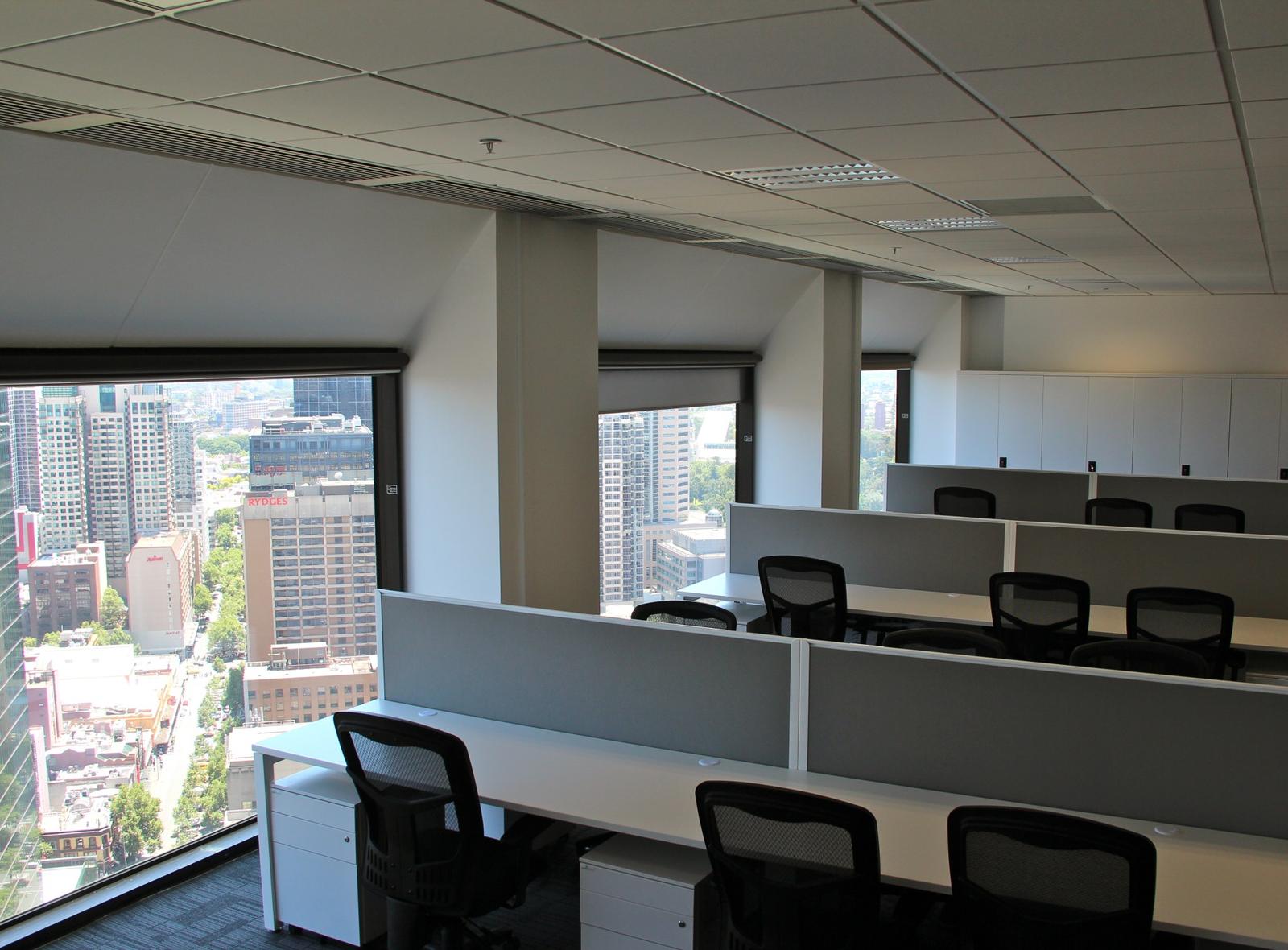
Begin by considering who will use the chair and for how long. Seating for full-time desk-based staff should offer more adjustment and support than seating in a touchdown area or occasional-use room. If chairs will be shared across different team members, a broader adjustment range becomes much more important.
It also helps to think about your workplace setup as a whole. Ergonomic seating works best when it is part of a considered workstation, including desk height, monitor position and access to movement through the day. Even an excellent chair cannot compensate for a workstation that is poorly planned.
Start with adjustability, not gimmicks
The core value of an ergonomic chair is adjustability. In practical terms, that means seat height, back support, seat depth and arm position should be adaptable enough to suit different body types and tasks.
Seat height is the first essential check. People should be able to place their feet flat on the floor, with knees at a comfortable angle. If the seat sits too high, pressure can build under the thighs. Too low, and the hips and lower back may not be properly supported.
Backrest support matters just as much. Look for a chair that supports the natural curve of the lower back without forcing a rigid posture. Good ergonomic seating should encourage an upright but relaxed position. If the backrest feels intrusive or cannot be adjusted to where support is needed, it is unlikely to work well over a full day.
Seat depth is often overlooked. A seat that is too deep can press into the back of the knees, while one that is too short may not give enough support through the thighs. This is especially important in workplaces with varied staff heights.
Armrests can be useful, but only when they do not interfere with the desk or encourage raised shoulders. In some settings, adjustable armrests are worthwhile. In others, simpler designs can be the better choice if they allow people to sit closer to the workstation.
Match the chair to the task
Not every workspace needs the same chair. That is one of the most common mistakes in furniture procurement – applying a single seating solution across every area for the sake of consistency.
For intensive desk work, staff generally need task chairs with strong lumbar support and a good range of adjustments. In meeting rooms, seating can be less complex, but still needs to remain comfortable for the duration of typical sessions. Boardroom chairs often prioritise presentation, though that should not come at the expense of support if meetings regularly run long.
In collaborative spaces, light mobility may matter more than full ergonomic customisation. In reception areas, comfort and appearance both matter, but seating there is serving a very different purpose than an eight-hour workstation chair.
This is where a broader workplace view helps. Businesses planning a refurbishment or fit-out often get better long-term results when seating is selected in context, rather than as a standalone purchase.
What to look for when assessing chair quality
Once the ergonomic basics are covered, quality becomes the next filter. Two chairs can appear similar on paper, yet perform very differently after 12 months of daily use.
The mechanism should feel stable and intuitive, not loose or overly stiff. Adjustments should be easy enough for staff to use without needing instruction every time. If the controls are awkward or unclear, many people simply stop adjusting the chair and work around the discomfort.
Materials also matter. Breathable mesh can work well in some environments, especially where heat build-up is a concern, but not every user finds mesh as supportive as a well-designed upholstered back. Upholstered seats often feel more comfortable initially, though the foam quality will determine how well they hold their shape over time.
Base strength, castors and fabric durability all deserve attention in commercial settings. An office chair is used repeatedly, moved frequently and expected to last. A lower upfront cost can become expensive if the chair wears poorly or needs early replacement.
Warranty is another practical indicator. It does not guarantee comfort, but it does show how confidently the product is backed for commercial use.
Trialling ergonomic seating before rollout
If you are fitting out a larger office or replacing furniture across a team, a trial period is often worth the effort. It gives staff the chance to use the chair in real working conditions rather than making a quick judgement from a short showroom sit.
This is especially useful when you have a mix of user needs. Taller staff, shorter staff, hybrid workers and employees with existing discomfort may all respond differently to the same chair. A trial helps identify whether the adjustment range is genuinely practical across the group.
Feedback during this stage should be specific. Rather than asking whether staff like the chair, ask whether they can adjust it easily, whether they feel supported through the lower back, and whether the seat remains comfortable after several hours.
For businesses managing office upgrades in Melbourne, this kind of practical testing can prevent costly mistakes, particularly when furniture needs to perform well across open-plan areas, private offices and shared workpoints.
Common mistakes when choosing ergonomic seating
The biggest mistake is buying on appearance alone. A chair may suit the design scheme beautifully and still be the wrong operational choice. Visual consistency matters, but performance should come first in task seating.
Another common issue is underestimating the range of users. If one chair only suits a narrow band of body types, it can create problems quickly in shared or growing teams. That does not always mean choosing the most adjustable chair available, but it does mean checking whether it can realistically accommodate your staff.
Businesses also sometimes overbuy features that no one uses. Advanced mechanisms sound impressive, yet they are not automatically better. If the chair is difficult to understand, those features often go untouched.
Finally, some organisations treat seating as separate from workplace design. In reality, desks, monitor arms, storage placement and circulation space all influence how well a chair functions. The best results come from viewing seating as one part of a well-planned work environment.
A practical approach to making the right decision
If you are comparing options, focus on five questions. Does the chair suit the task? Can it adjust to the user? Will it hold up in a commercial setting? Is it simple enough for staff to use properly? And does it work with the rest of the workspace?
That approach keeps the decision grounded. It also helps balance comfort, budget and longevity without getting distracted by marketing language or minor features that make little difference day to day.
When chosen well, ergonomic seating supports more than posture. It helps create a workplace where people can work comfortably, stay focused and feel that practical details have been properly considered. That is usually the difference between furniture that merely fills a room and furniture that genuinely improves how the space performs.
The best chair is rarely the flashiest one. It is the one your team stops noticing because it is doing its job properly, every day.
Next step
Find out what your fitout costs.
One team for design, construction, joinery and furniture. One contract, one fixed price, and one person to hold us to it.